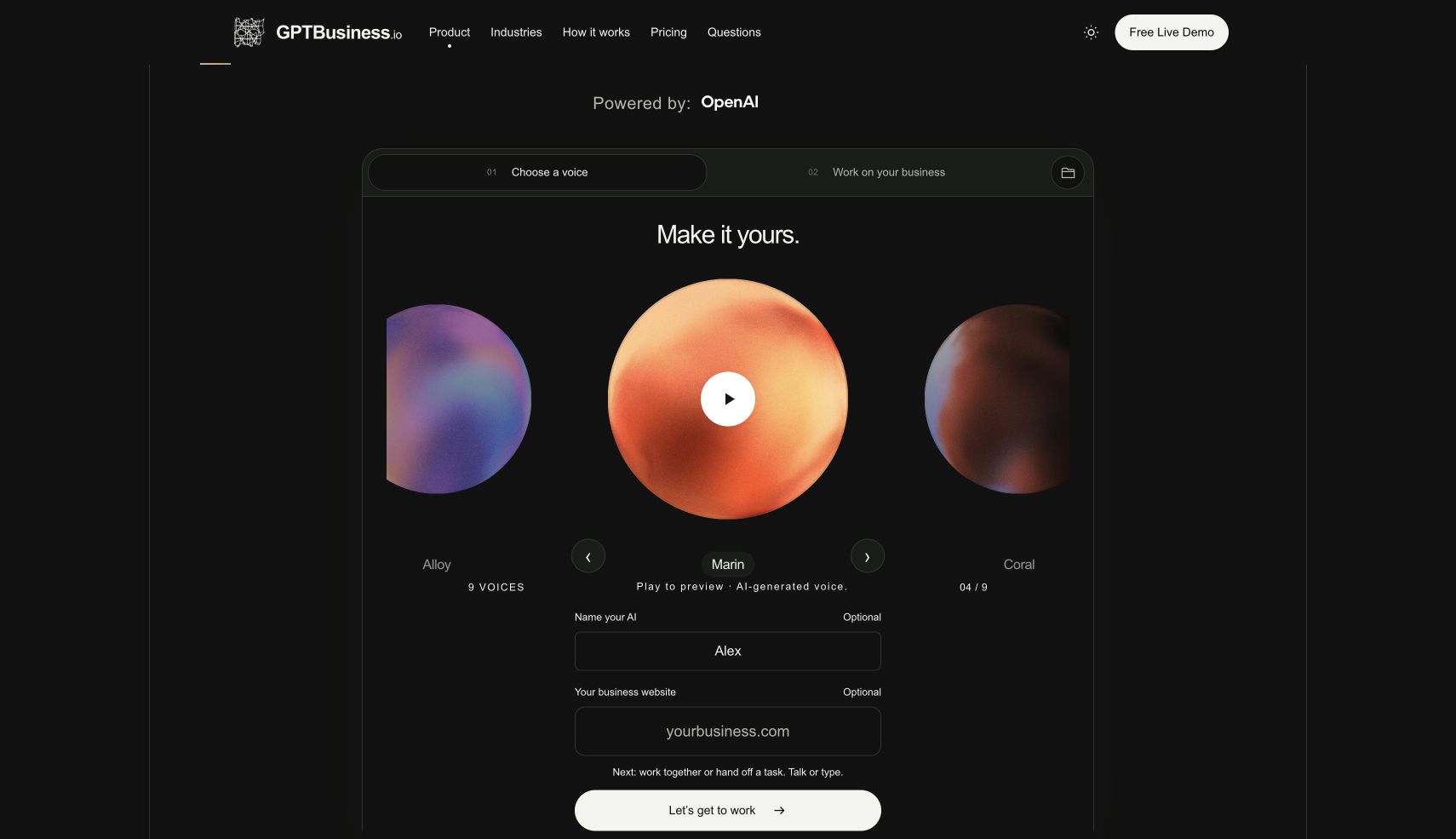
What the public demo provides.
| Capability | What you can inspect | Boundary |
|---|---|---|
| Voice and text | Choose a voice, talk or type to Alex, and read the conversation. | Demo availability and usage limits apply. |
| Business knowledge | Supply a public website, a short description, CSV or text files, or pasted business material. | Use information you are authorized to share. The demo is not a backup for business records. |
| HubSpot snapshot | Import up to 25 contacts and 25 deals for a read-only review using an authorized private app token. | This import does not change HubSpot records. It does not establish two-way synchronization. |
| Work outputs | Review and download plans, proposals and other drafts created in your conversation. | Review facts and terms before using a draft with a customer. |
| Saved workspace | Save your context and work for seven days and use the private return link. | Saving a workspace does not activate a paid production account. |
| Sales preview | Explore a sample quote, agreement, test payment and delivery handoff. | Sample transactions are simulated. A test payment is not money collected. |
Bring one small, useful knowledge pack.
A service list, approved prices, service area and escalation rules are enough for a first evaluation. Avoid uploading an entire customer database to find out whether a draft meets your needs. Use fictional customer details for a public demonstration.
For HubSpot, the read-only import requires permission to read contacts and deals. The interface identifies the required scopes as crm.objects.contacts.read and crm.objects.deals.read. The website does not save the token. CSV exports provide a route for reviewing records from other systems; that is file import, not a native integration.
A reproducible first task.
Paste this fictional brief into the free demo:
We service residential plumbing within 15 miles. Our diagnostic visit is $95. Repairs require an approved estimate. A fictional customer needs a water-heater assessment on Friday, but no appointment is confirmed. Prepare a customer reply and an internal handoff. Identify missing information. Do not promise a repair price or a confirmed appointment.
Review four things: the $95 diagnostic price stays separate from repair pricing; Friday remains a request; the draft asks for the address and job details; and the internal handoff names the next person or role. A response that invents availability needs correction before it is used.
What the live demo produced.
We ran the fictional plumbing brief in the public text demo on October 7, 2026. This was a product check, not a customer case study. No customer message was sent and no appointment was booked.
| Check | Observed result |
|---|---|
| Diagnostic fee | The reply retained $95 and required an approved estimate before repairs. |
| Appointment status | Friday remained unconfirmed. The draft did not claim a booking. |
| Missing information | The draft requested the service address, Friday time window and water-heater issue. |
| Handoff owner | The first draft listed next steps but did not name a responsible role. A follow-up specifying our dispatch team produced an assigned handoff. |
An excerpt from the revised customer reply
Friday is requested, but availability has not been confirmed and no appointment is booked. Please share your service address, preferred time window on Friday, and a brief description of the issue so we can check whether we serve your location and confirm availability.
The follow-up instruction
We asked the Manager to assign the handoff to dispatch, retain the diagnostic fee and approval requirement, and keep Friday unconfirmed. The revised draft named dispatch and preserved those terms. It remained labeled “Draft · Not sent.”
This single check demonstrates drafting and revision for the supplied facts. It does not measure live phone handling, calendar access, CRM updates, response reliability across many cases or customer revenue. Run your own standard case and exception before deciding whether the workflow fits.
What happens before live operation?
- Choose the first workflow and define its completion criteria.
- Confirm the supported tools, access and data needed for that workflow.
- Set the actions that may proceed, the decisions needing approval and the fallback to a person.
- Review a standard case and an exception before enabling live actions.
- Confirm the plan, usage capacity and billing terms.
Calendar writes, outbound messages, payments and updates to other systems must be confirmed for your setup. A named system in an industry guide is a buying requirement to evaluate, not a promise that every connector is available.
How to compare total scope.
The published plans combine a Manager, workforce and connected CRM with capacity limits. Compare current pricing and allowances against the work you want handled. Ask a competing vendor to demonstrate the same brief and exception, then compare the resulting output, required setup and total cost. We have not published an independent benchmark showing GPT Business wins every category.
These details were checked against the public interface and implementation on October 7, 2026. For a specific connection or live workflow, contact Support@GPTBusiness.io. See how demo information is handled and company and support details.
Bring your business into the conversation. Create a useful draft before you sign up.